YouTube thumbnails that get the click.
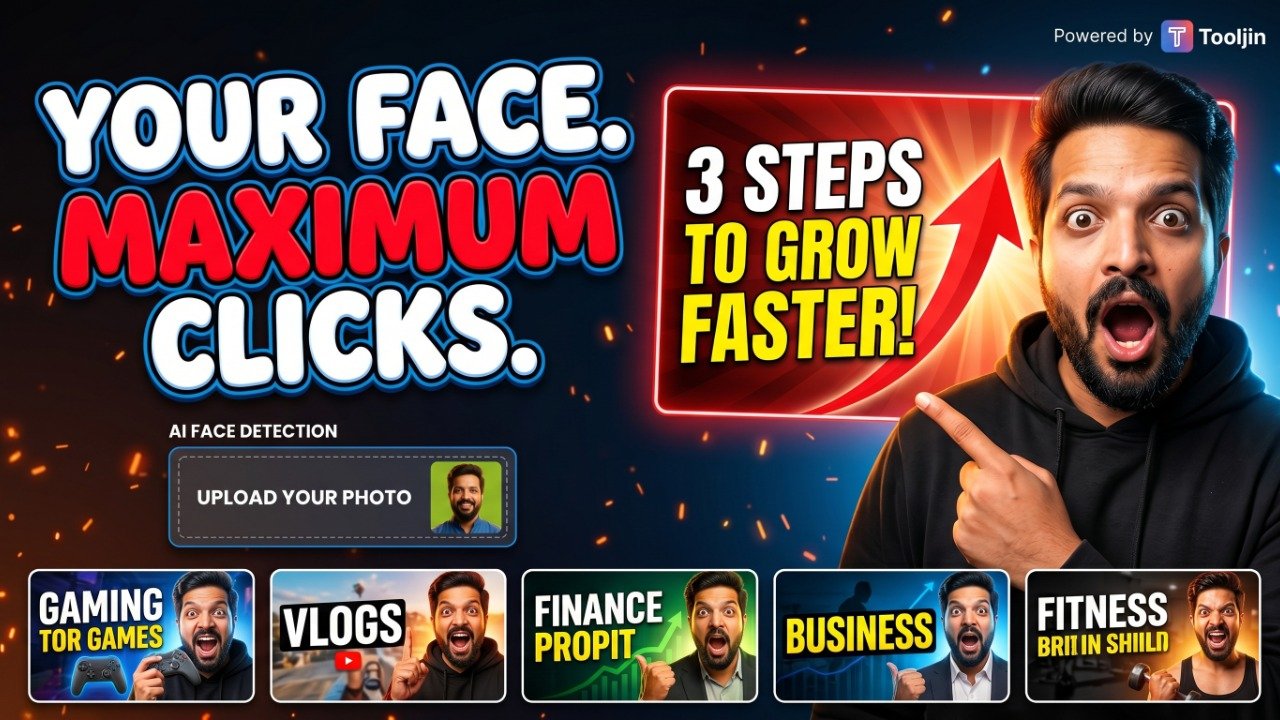
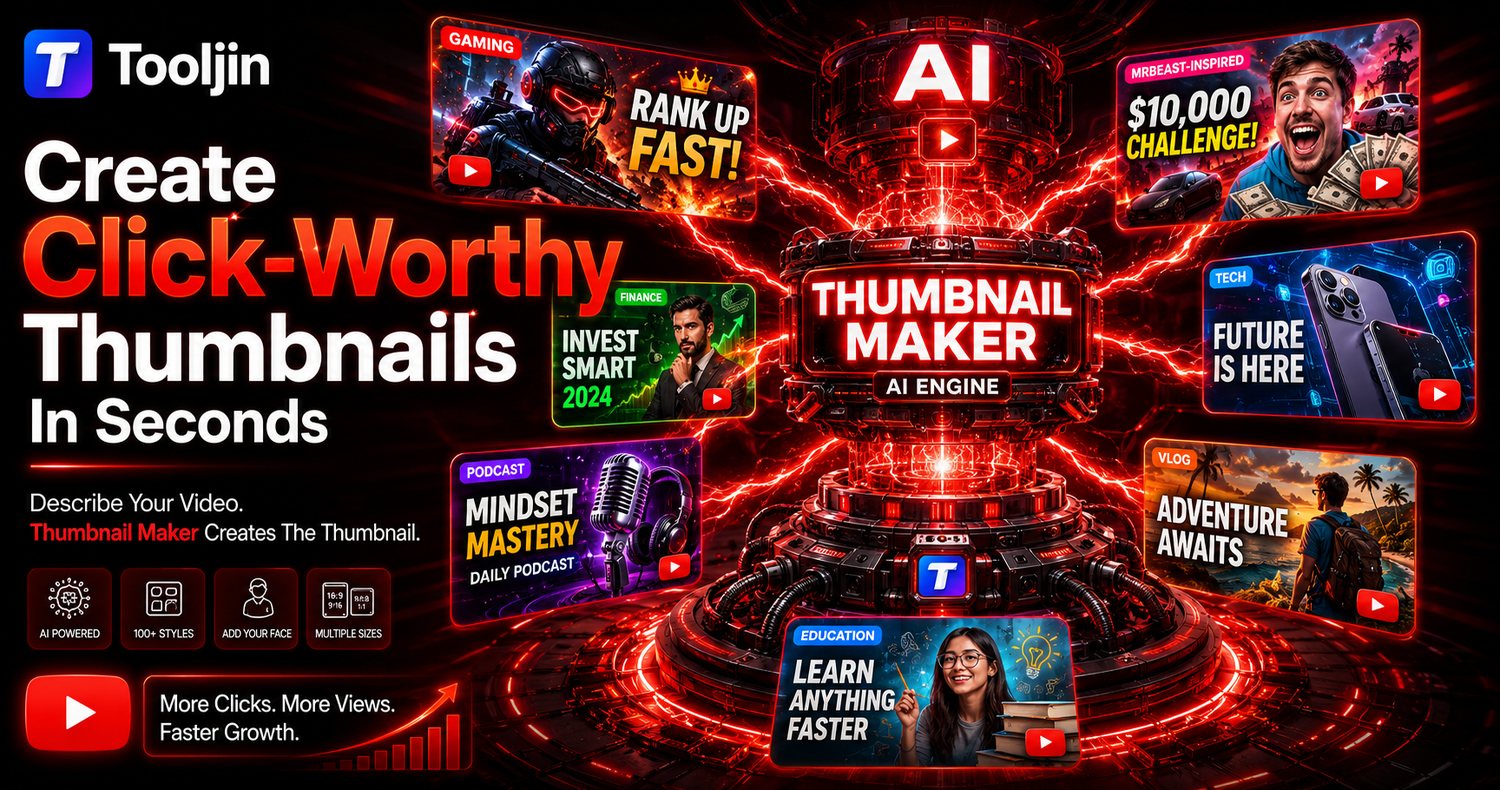
Paste a YouTube link or pick your video, and AI finds the best moment, writes the hooks and designs the thumbnail in the styles that suit it. Or just describe your idea — add your face, pick from 100+ styles. No design skills, no Photoshop.
Already made the video? Start from it.
Paste a YouTube link or pick the file. AI watches it, finds the moments worth a thumbnail, writes the hooks — and designs it in the styles that suit your video.
Paste or pick
A public YouTube link — or the file itself, before you publish. From a file, only 16 small frames leave your device.
AI reads it
It picks the best moments, writes hooks and taglines in your video's language, and suggests the styles that fit.
Pick a moment and styles
Tap a moment to see its picture, then choose up to three styles — eight tuned looks or 118 more from the library.
Logo on, download
Your channel logo lands in the corner of every thumbnail. Check them at feed size and download.
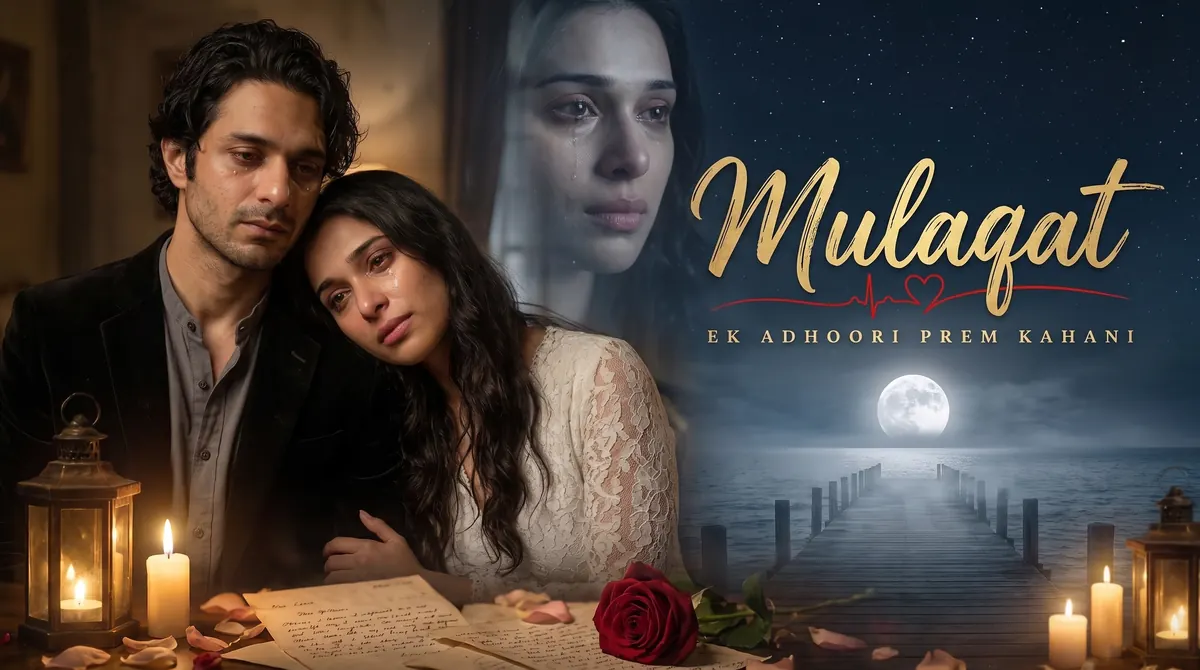
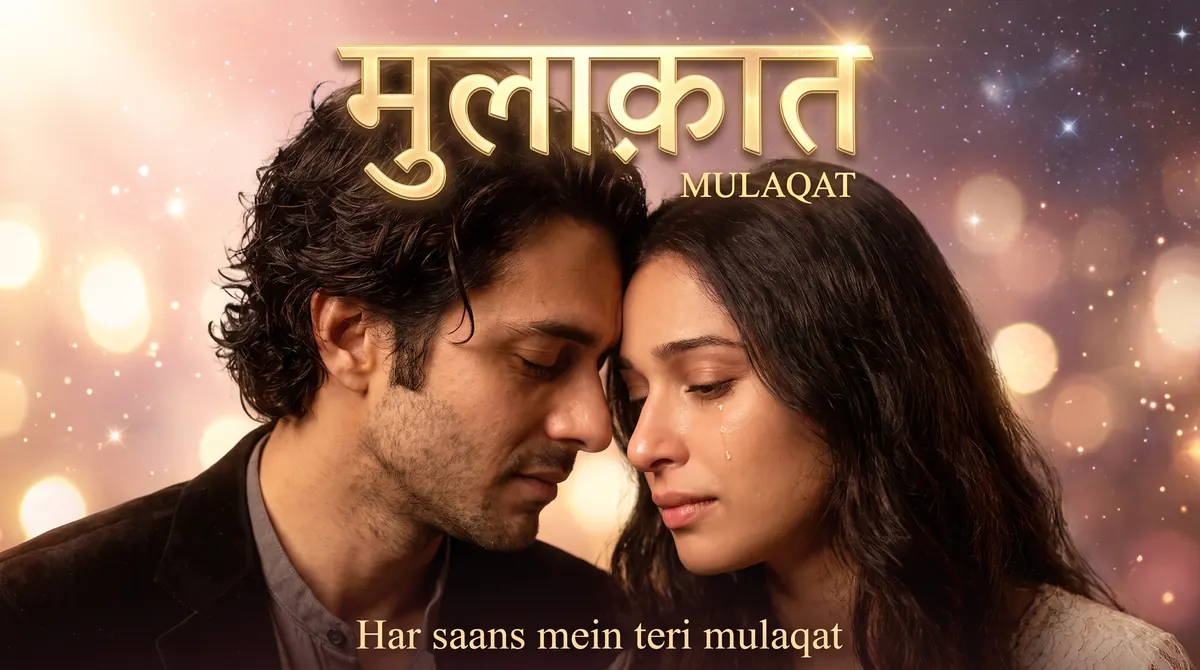
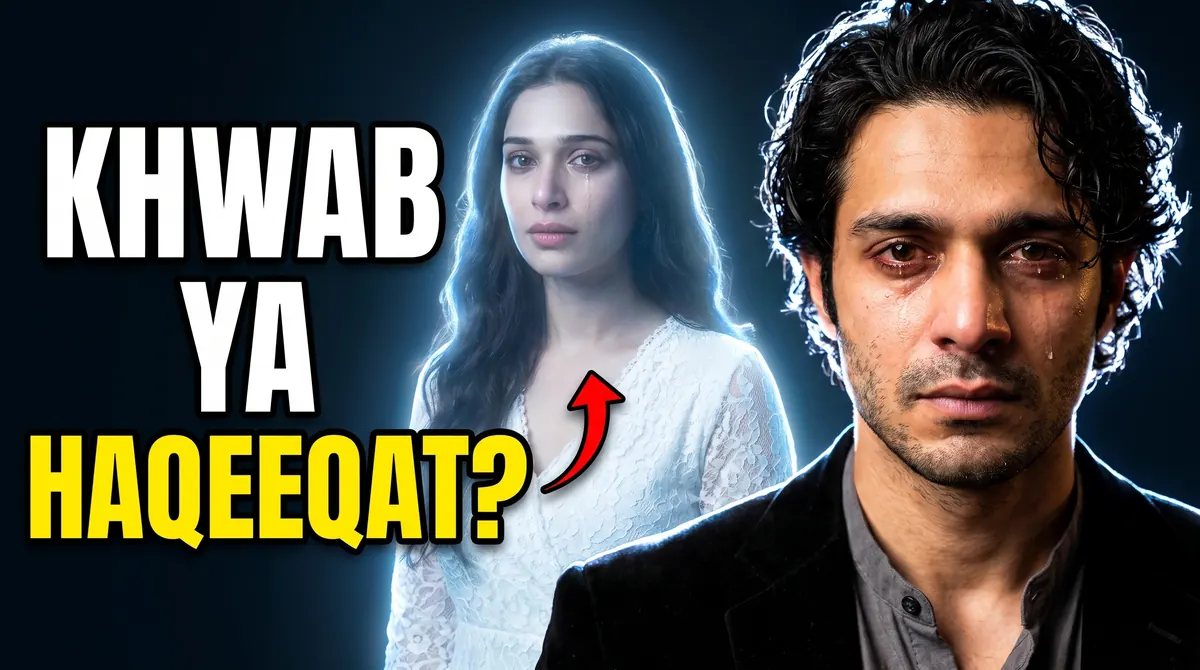
Three styles from one music video, made with the video mode. Reading a link costs 50 credits and a file 10; each thumbnail costs 50–125 credits depending on quality. Read the step-by-step guide.
One prompt. Every part of the thumbnail.
From the idea to the headline to your face in the frame — the AI Thumbnail Maker handles it, and hands you the controls when you want them.
Fill in the rest from your topic
Type your video idea and AI writes the full image prompt — then auto-picks the style, subject emotion, negative prompt, and on-image text. Start from a finished brief instead of a blank box.
Improve wording
One click turns a rough line into a detailed, model-ready prompt — sharper subject, lighting, mood and composition.
100+ Style Dictionary
Search a library of creator-tested styles: MrBeast, Bollywood masala, devotional, anime, Madhubani folk art, horror and more.
Style Blender
Mix a primary and secondary style with a ratio slider for a look that's unmistakably yours.
Put yourself in it
Upload your photo as the subject and AI builds the thumbnail around your face.
AI-written text
Turn text on, type a headline, and pick a style — 3D glowing, neon, metallic gold, cartoon or horror — with auto-contrast so it pops off the image.
Emotion control
Shocked, hyped, curious, crying, angry — direct exactly how your subject reacts to camera.
Style reference
Upload a thumbnail you love and match its look, lighting and energy.
Negative prompt
Exclude clutter, watermarks, extra fingers and blur — clean results, every render.
Every size
16:9 for YouTube, 9:16 for Shorts & Reels, 1:1 for square — all from one idea.
See it in the YouTube feed
Every thumbnail is previewed at home feed, up next and notification sizes, next to your title. Viewers decide at these sizes, so if it reads there, it works.
Up to 4 variations at once
Generate a set, compare them on the big canvas, and download the winner. Everything stays saved in your browser until you start fresh.

How it works
Fast enough to make a thumbnail before you've finished naming the video.
Describe or paste
Type your video idea, or drop in the title you're already using.
AI builds the brief
It writes the prompt and auto-picks the style, emotion and text for you.
Make it yours
See it big and at feed size, then download the one that reads best.
Generate, check, download
Get YouTube-ready thumbnails in seconds. Pick your favourite and ship it.
See the thumbnail maker in action
From a video idea to a scroll-stopping thumbnail in seconds — here's the workflow.


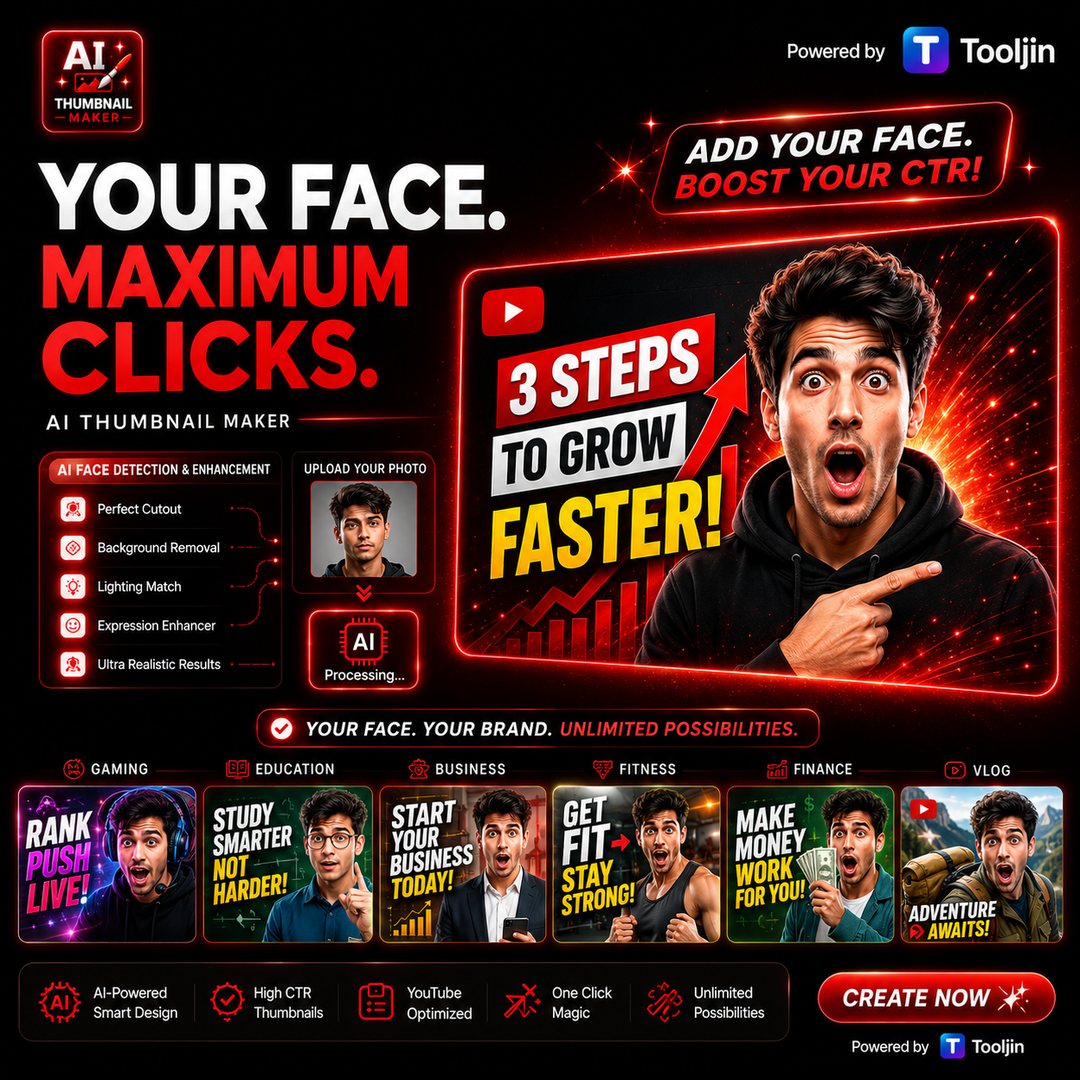
Studio-grade thumbnails, made by AI
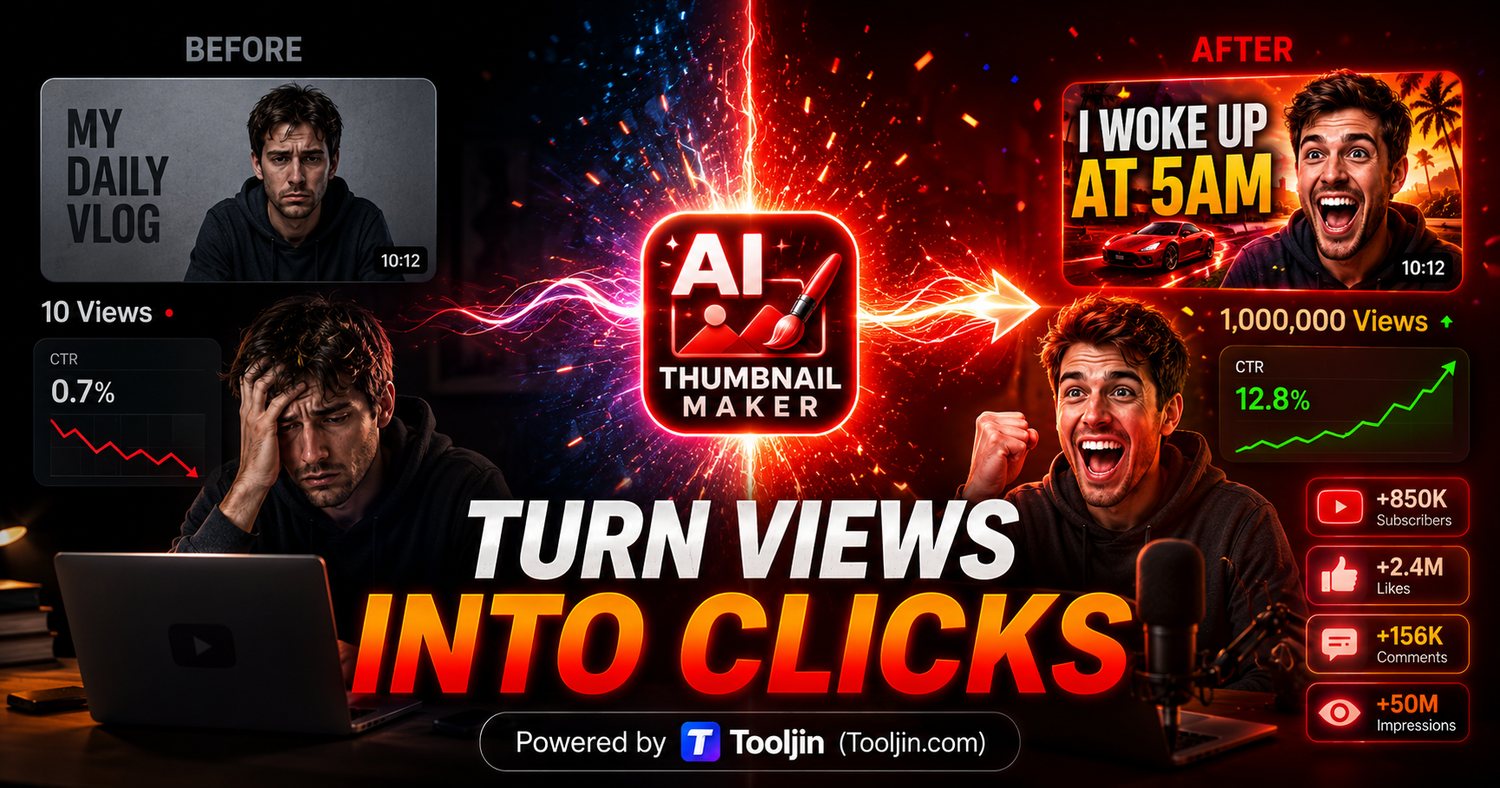
Lighting, expression, depth, glow, text — all generated from a single prompt.
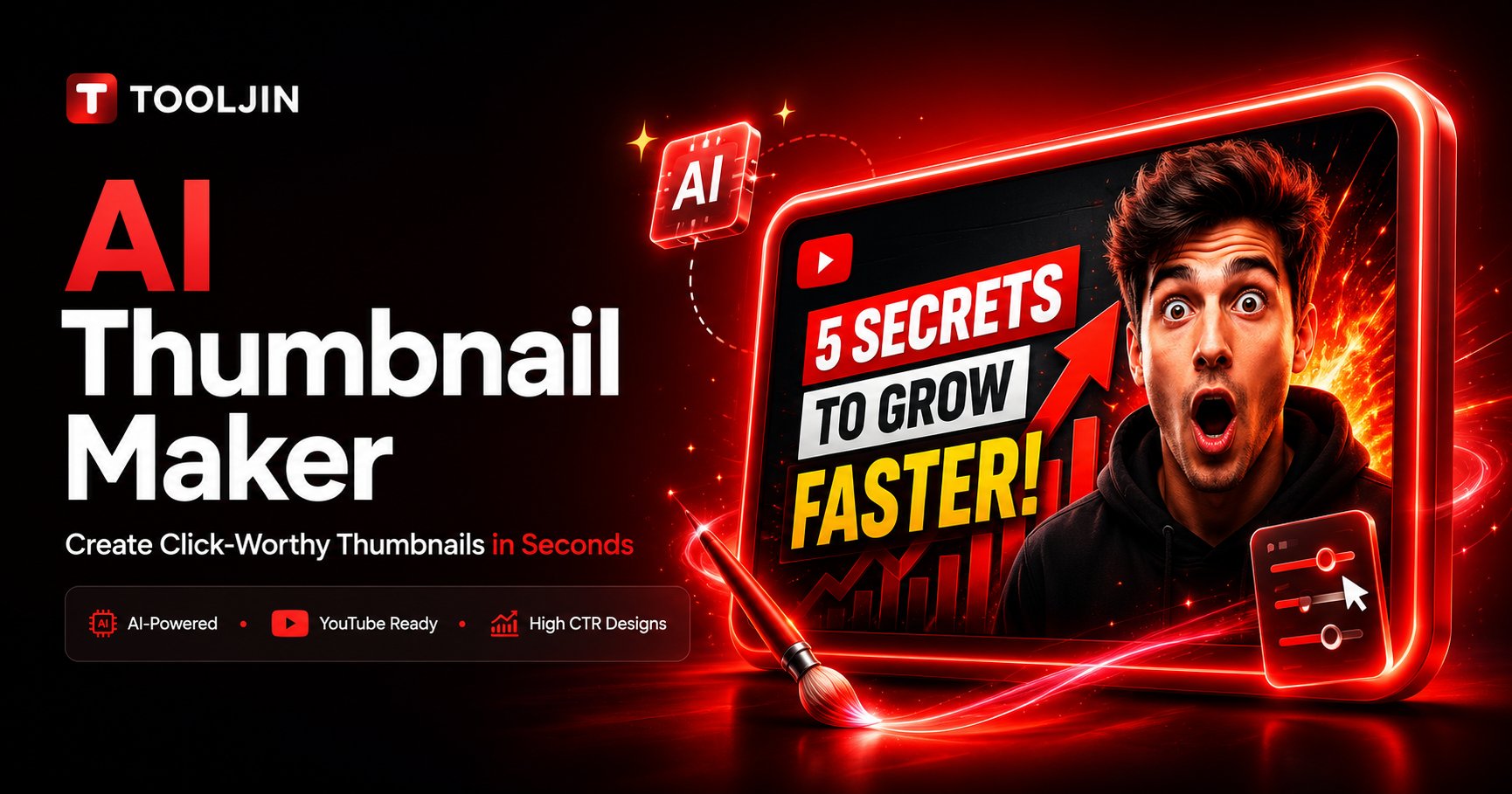
Made with the AI Thumbnail Maker · Bold style · 16:9 · Google Gemini
Three quality tiers
Same controls on every tier. Apex adds Google's Nano Banana Pro for the sharpest detail and text.
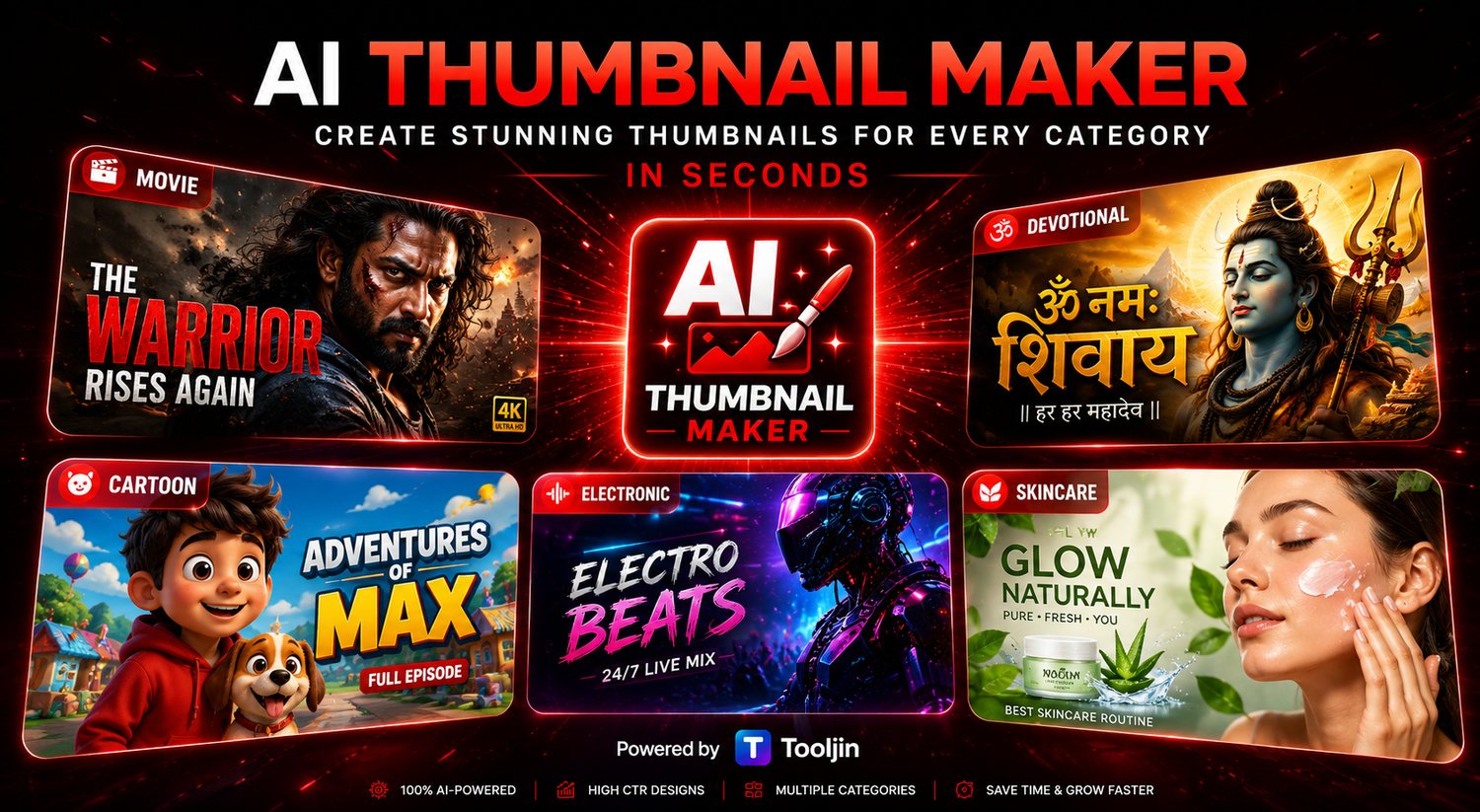
Whatever you make, make it clickable

Unlock the thumbnail maker
The AI Thumbnail Maker is included on Pro & Business — along with 40+ other Tooljin tools.
- 3,000 credits/month + 30/day
- ~60 Bolt thumbnails every month
- All styles, sizes & quality tiers
- Unlocks 40+ other Tooljin tools
- 8,000 credits/month + 60/day
- ~160 Bolt thumbnails every month
- Everything in Pro
- Best for high-volume creators & teams
A Free plan is available for Tooljin's other tools. Prices shown in INR — see the pricing page for live regional pricing.
Frequently asked questions
It's included with Tooljin's Pro and Business plans. Pro starts at ₹849/month and each thumbnail costs from 50 credits, so you can make dozens every month. A Free plan is available for Tooljin's other tools.
Credits are Tooljin's usage units. A thumbnail costs from 50 credits on the Bolt tier up to 125 on Apex, depending on the quality you choose. Pro includes 3,000 credits a month and Business includes 8,000.
Yes. Switch to From your video, paste a public YouTube link or choose the video file, and AI watches it — it suggests the best moments, hooks, taglines and the styles that suit the video. Tap a moment to see its picture, pick up to three styles, and you get one thumbnail per style, with your channel logo added in the corner.
Not when you choose a file: your browser takes 16 small frames and only those are sent, so the video itself stays on your device. A YouTube link has to be public — Gemini reads the first 10 minutes of it from YouTube.
Reading a YouTube link costs 50 credits and reading a file costs 10. A picture of another moment from a link costs 25. Each thumbnail then costs the same as any other: 50 credits on Bolt, 75 on Blaze and 125 on Apex.
Eight looks tuned for video thumbnails — Cinematic Poster, Bollywood Drama, Big Reaction, Breaking News, Before / After, Podcast Clip, Devotional and Clean Tech — plus 118 more from the style library, from anime and comic pop-art to neon and noir. AI suggests the ones that fit your video best.
Yes. Upload your photo as the subject and the AI builds the thumbnail around your face, with the expression and scene you describe.
16:9 for YouTube videos, 9:16 for Shorts and Reels, and 1:1 for square posts. You can generate up to four variations of each at once.
Yes. Turn text on, type your headline, and pick a style such as 3D glowing, neon, metallic gold, cartoon or horror, with auto-contrast so it pops. AI-written text can still have the odd spelling slip, so check it before you publish. Apex renders text most accurately.
After each generation the tool shows your thumbnail at the sizes YouTube actually uses: home feed, up next and notifications, next to your video title. If the face and text still read at the smallest size, it will hold up in the feed.
Thumbnails are generated with Google's Gemini image models. Bolt and Blaze use Nano Banana 2; Apex uses Nano Banana Pro, which gives the sharpest detail and the most accurate on-image text.
No. Describe your video or paste the title and AI writes the prompt and picks the style, emotion and text for you. You only tweak what you want.
Yes. Use them on your own videos, channels and posts across YouTube, Shorts, Reels and more.
Your next thumbnail is one prompt away.
Stop wrestling with design tools. Describe the video, let AI do the thumbnail.
✨ Open the thumbnail maker