FREE WORD TO PDF CONVERTER

Convert Word to PDF online — free

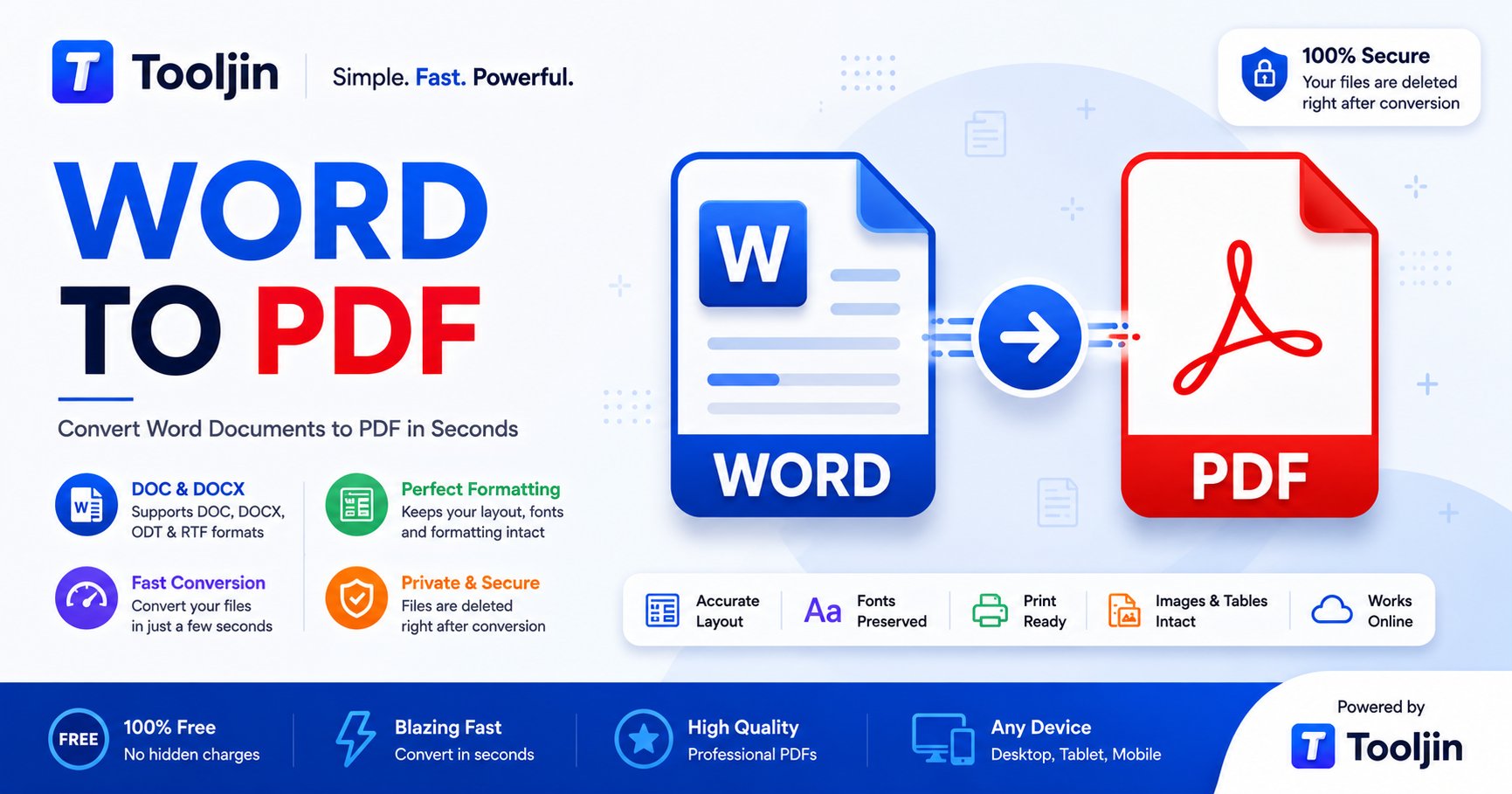
Turn your documents into clean, print-ready PDFs in seconds — formatting, fonts and layout preserved exactly. Fast, secure and free.

Secure — files are deleted right after conversion
Word to PDF
Word to PDF — convert DOC, DOCX, ODT and RTF to a clean, print-ready PDF
Converts in seconds Layout preserved Print-ready PDF Files deleted after Any device

How to convert Word to PDF

Three steps from file to a clean, print-ready PDF.

1
Upload your Word file

Drag & drop your file or click to browse. Supports .doc, .docx, .odt, .rtf.

2
Convert to PDF

We render it to a pixel-accurate PDF in seconds, keeping formatting, fonts and layout intact.

3
Download

Your PDF downloads instantly — no watermark. Files are deleted right after.

Why use Tooljin Word to PDF

Accurate, fast and secure — built into a whole suite of business tools.

Accurate layout

Preserves formatting, fonts and layout — the PDF looks just like your original.

All Word formats

Convert DOC, DOCX, ODT and RTF — old and new files alike.

Secure & private

Files are processed securely and deleted right after conversion. Nothing is stored.

Fast

Conversions finish in a few seconds, even for multi-page files.

Works anywhere

Runs in any modern browser on any device — nothing to install.

Free

Free to use — Pro unlocks unlimited conversions and every other Tooljin tool.

Run your whole business on Tooljin

Word to PDF is one of dozens of free tools for founders, sellers and small teams — invoices, letterheads, PDFs and AI content, all in one place.

Explore all tools
PAIRS WELL WITH

Convert, then bill, brand and ship — without leaving Tooljin.

Letterhead MakerGST InvoicePDF ToolsQR & Barcode

Frequently asked questions

Is the Word to PDF converter free?

Yes. You sign in to your free Tooljin account; free accounts get 5 conversions per day and Pro is unlimited. There is no watermark.

Will my documents formatting be preserved?

Yes. We use the same rendering engine as desktop office software, so formatting, fonts and layout are kept in the PDF.

Which file formats can I convert?

DOC, DOCX, ODT and RTF are all supported.

Are my files safe and private?

Yes. Files are processed securely on our server and deleted immediately after the conversion — nothing is stored or shared.

Is there a file size limit?

You can convert files up to about 50 MB. Typical documents are well within this limit.

Do I need to install anything?

No. The converter runs entirely online in your browser — no software, plugins or extensions to install.
More free tools

Part of the Tooljin suite — convert, create and ship.

Convert Word to PDF now

Free, secure and watermark-free. Your PDF is seconds away.

Open the Word to PDF tool