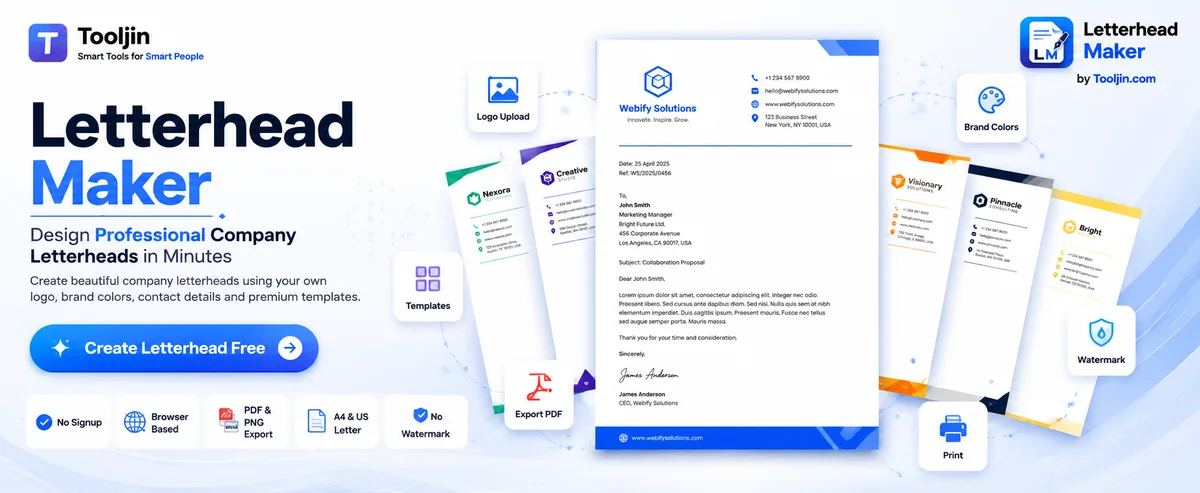
Add your logo, brand colours and contact details, pick one of nine templates, and get a clean, print-ready letterhead. Write it in English or in Hindi, Tamil, Bengali, Gujarati, Punjabi and more, drop in a signature and a company stamp you can drag, rotate and place on any page — then export a PDF or PNG.
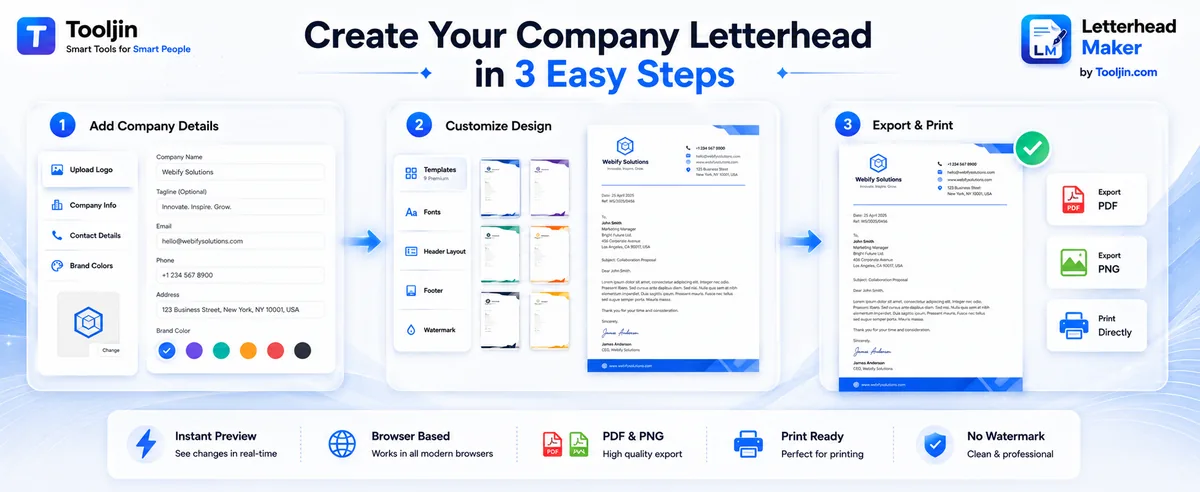
Three steps from blank page to a print-ready, on-brand letterhead.
Enter your company name, tagline and contact details, then upload your logo. Pick a brand colour, text colour and a font style.
Choose one of nine templates and fine-tune the header layout, accent bar, footer and an optional watermark. The A4 preview updates live.
Optionally compose a full letter, add a signature and company stamp, then export a print-ready PDF or PNG, or print directly — no watermark, no signup. Long letters flow onto extra pages automatically.
Every template is fully editable — swap the logo, brand colour, fonts, header layout and accent bar on any of them.
Split header with an uppercase company name and a clean accent rule.
Centered serif header with a double accent rule — formal and timeless.
Left-aligned, generous white space and a single hairline accent.
Solid header band with a split contact block — confident and businesslike.
Centered, letter-spaced serif with a soft gradient accent bar.
Full-width colour header band with a large uppercase company name.
The first word of your company name picks up your brand colour — a subtle two-tone wordmark.
A full-height coloured stripe down the left edge of the page.
A full-width coloured bar across the bottom carrying your website address.
Type your company name, address and full letter in any major Indian language — or Urdu and Arabic. It renders correctly on screen and in the exported PDF, on any device.
No font installs, no copy-paste tricks — the right script loads automatically the moment you start typing it.
Brand-accurate header, footer and body — with the controls to make it look truly professional.
Modern, Classic, Minimal, Corporate, Elegant and Bold — plus Duotone, Side Bar and Footer Bar. Each has its own header layout, fonts and accent style.
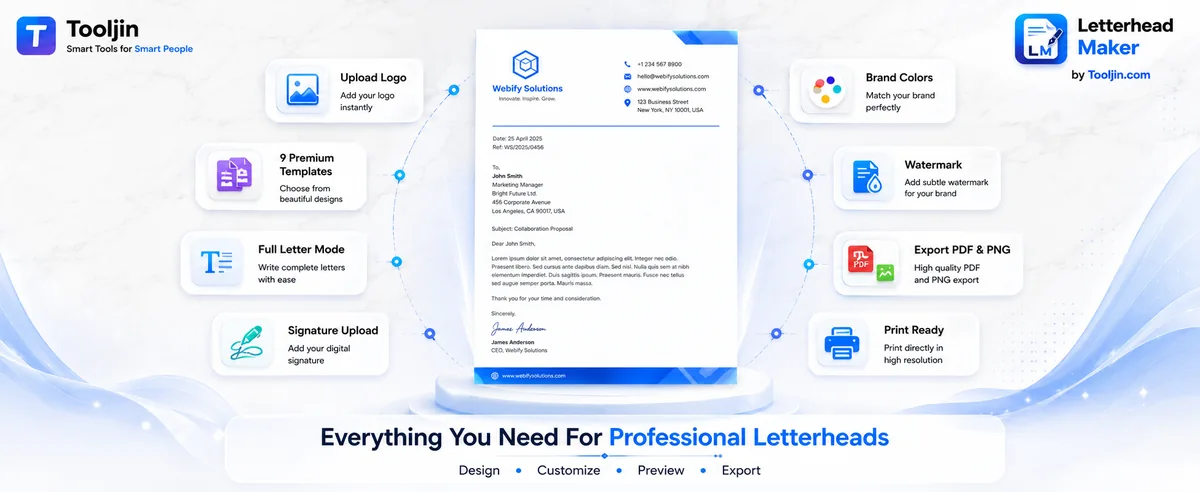
Upload a logo (PNG/JPG/SVG), pick any brand and text colour from presets or hex, and choose a font pairing.
Centered, left or split header layouts, solid / double / gradient accent bars, and a footer with a contact strip.
Switch on letter mode for date, reference, recipient, subject, body, complimentary close and a signature image.
Add a text or logo watermark with adjustable opacity, set margins, and switch between A4 and US Letter.
Download a print-ready PDF or a high-resolution PNG, or print directly — all watermark-free and in your browser.
Upload one or more signatures, scale each with a slider, then switch on free-position mode to drag, rotate with an on-page handle and corner-resize them anywhere.
Add a round or rectangular rubber stamp built from your company name and address — red, black or blue ink, a signatory label, adjustable opacity and an authentic distressed texture. Drag, rotate and show it on the first, last or every page.
Write a long letter and it flows onto a second and third page in the export, instead of being cut off at the bottom.
Your work saves itself in the browser, and you can download a .json draft to back it up or carry it to another device.
Most free letterhead tools drop your signature in a fixed slot. This one lets you place it like a designer would.
A size slider scales the signature from small initials to a full-width sign-off, and a corner grip lets you drag-resize it directly on the page.
Turn on free-position mode and drag the signature to any spot on the letterhead — over the footer, beside the closing, wherever it belongs.
Real signatures are never perfectly level. Grab the rotation handle and turn it right on the page — or use the slider — anywhere from -180° to +180°.
On a multi-page letter, show the signature on the first, last or every page — and whatever position, size and rotation you choose is preserved exactly in the exported PDF and PNG.
Give letters, quotations and approvals an official finish — a real rubber-stamp look, generated from your company details.
Round or rectangular, with a signatory line or your full address — each built automatically from your company name and address. Choose a label like Authorised Signatory, Proprietor or Director.
Pick red, black or blue ink, dial in the opacity, and switch on a distressed rubber-stamp texture so it looks genuinely stamped — not printed.
Drag the stamp anywhere, rotate it with an on-page handle, resize it, and show it on the first page, the last page or every page of a multi-page letter.
Works on a blank letterhead or a full letter, and the stamp is preserved exactly — curved text, texture and all — in the exported PDF and PNG.
Two short walkthroughs — from a blank page to a branded, print-ready letterhead.


The Letterhead Maker is one of dozens of free tools for founders, sellers and small teams — invoices, labels, PDFs and AI content, all in one place.
Explore all toolsSend your letter, then bill the client and ship the order — without leaving Tooljin.
A real design tool — not a locked template gallery.
| Feature | Tooljin | Typical free template sites |
|---|---|---|
| Live, fully editable A4 preview | Yes | Static images / locked layouts |
| Your own logo & brand colours | Yes | Often watermarked or paid |
| Blank letterhead and full letter | Both | Usually one or the other |
| Print-ready PDF, no watermark | Free | Watermark / signup wall |
| Files stay on your device | 100% local | Uploaded to servers |
| Signature you can drag, resize & rotate | Yes | Fixed slot, or not at all |
| Company stamp & seal, built in | Yes | Not offered |
| Long letters flow to a 2nd page | Multi-page PDF | Cut off at one page |
| Signup required | No | Often required |
Yes — design unlimited letterheads free, with no signup and no watermark. Free accounts can download up to 5 per day; upgrade to Pro for unlimited downloads and every other Tooljin tool.
Yes. Upload your logo (PNG, JPG or SVG), pick any brand colour and text colour, and choose a font style to match your identity.
Both. Use it as a blank letterhead to print and write on, or turn on letter mode to compose a complete letter with date, reference, recipient, subject, body and signature.
A print-ready PDF in A4 or US Letter size, and a high-resolution PNG — multi-page letters export each page as a PNG in a zip. You can also print directly from the tool.
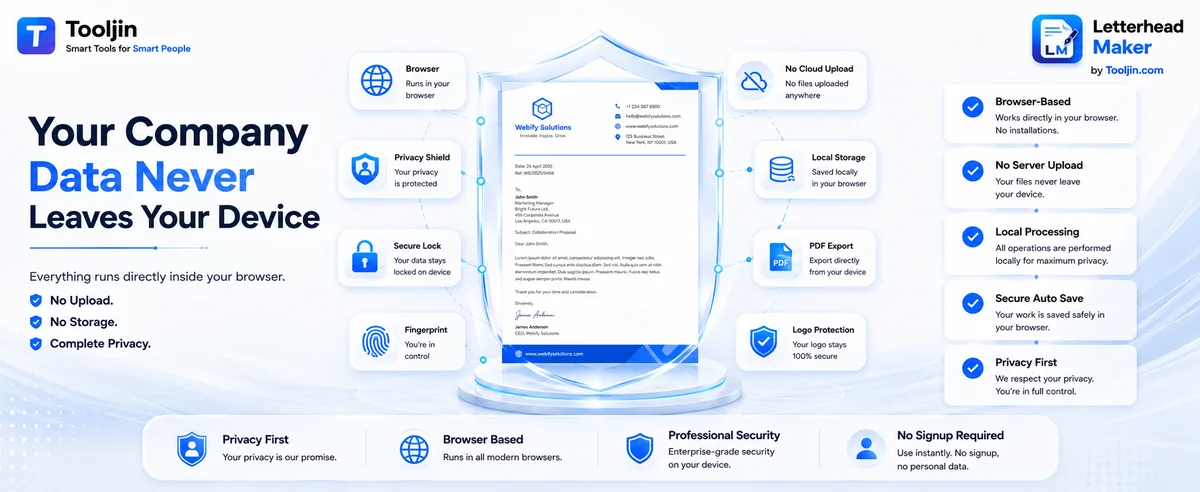
No. Everything runs in your browser — your logo, company details and letter content never leave your device.
Yes. Your work auto-saves in your browser, and you can download a .json draft to back it up or move it to another device, then load it again any time.
Yes. You can type your company name, tagline, address and the full letter body in Hindi, Marathi, Bengali, Tamil, Telugu, Gujarati and Punjabi — as well as Urdu and Arabic (right-to-left). The correct script loads automatically as you type and is preserved exactly in the exported PDF and PNG, with no font installation needed.
Nine templates — Modern, Classic, Minimal, Corporate, Elegant, Bold, Duotone, Side Bar and Footer Bar — with centered, left and split header layouts, solid, double or gradient accent bars, and an optional watermark.
Yes. In letter mode you can upload a signature image and add the signatory's name and designation. A size slider scales it, and free-position mode lets you drag the signature anywhere on the page, rotate it with an on-page handle (or the slider) and resize it from the corner grip. On a multi-page letter you can show it on the first page, the last page or every page. The exact position, size and rotation are preserved in the exported PDF and PNG.
Yes. The stamp tool builds a round or rectangular company stamp from your business name and address, with red, black or blue ink, a signatory label such as Authorised Signatory or Proprietor, adjustable opacity and an optional distressed rubber-stamp texture. Drag it anywhere, rotate it with an on-page handle, resize it, and choose whether it shows on the first page, the last page or every page. It works on a blank letterhead or a full letter and is preserved in the exported PDF and PNG.
Yes. If your letter is longer than a single page, the exported PDF flows onto additional pages automatically instead of being cut off at the bottom.
Yes. It runs in any modern mobile browser — the A4 preview scales down to fit your screen, and you can still export a full-size, print-ready PDF or PNG.
No signup. Everything runs in your browser.
Free, no signup, watermark-free. Your first print-ready letterhead is two minutes away.
Open the Letterhead Maker