Part of PLM · Product Label Maker FREE · FSN BARCODE · QC AUTO-FILL

Free Flipkart FBA Label Maker with FSN barcode

Turn your Flipkart QC files into print-ready FBA labels in seconds. Every required Legal Metrology field, a scannable CODE 128 FSN barcode, and your choice of 6/9/12-up on A4 or a 4×6 / 4×4 / 4×3 inch thermal slip — exported as a clean PDF with no watermark.

Opens in PLM — the all-in-one Product Label Maker by Tooljin, ready for Flipkart FBA & every marketplace.
Runs 100% in your browser — your QC files and FSNs never leave your device
FSN CODE 128 barcode QC ZIP / CSV auto-fill All LM fields 4×6 / 4×4 / 4×3 thermal A4 6 / 9 / 12-up 100% private
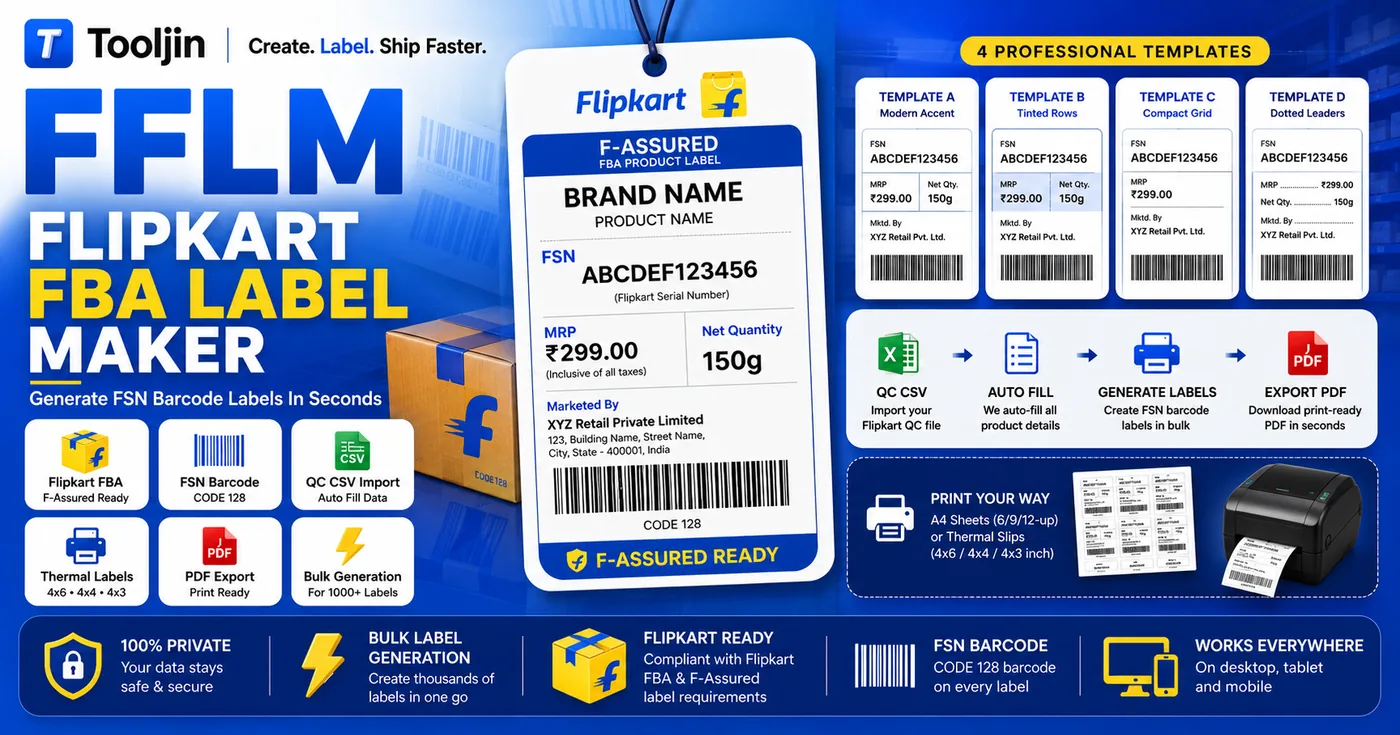
Flipkart FBA Label Maker overview — F-Assured FSN label with CODE 128 barcode, 4 professional templates, and the QC CSV import to print-ready PDF workflow
4
Label templates
12
Labels per A4 sheet
3
Thermal slip sizes
Free
No watermark, ever

From QC file to print-ready labels in 3 steps

No design skills, no spreadsheets to wrangle — drop your Flipkart QC file and print.

1
Import your Flipkart QC file

Open Bulk Import and drop your Flipkart QC ZIP or CSV. Each listing becomes a label automatically — FSN, MRP, net quantity and seller details filled in. Or build a single label by hand.

2
Pick layout & template

Choose one of four templates, then lay labels out 6, 9 or 12 to an A4 sheet, or switch to a 4×6, 4×4 or 4×3 inch thermal slip. A CODE 128 FSN barcode lands on every label.

3
Export a print-ready PDF

Preview every page in a grid, then download a print-ready PDF or print straight to A4 or your thermal printer. No watermark, no signup needed to try.

Most labels get rejected for small, fixable reasons

Flipkart fulfilment centres scan and check every incoming label. A blurry barcode, the wrong FSN format or a missing declaration field is enough to send a shipment back. This tool removes those failure points before you print.

  • Unscannable barcodeA photo or low-DPI barcode fails at intake. Here every FSN is rendered as a crisp, vector-clean CODE 128.
  • Missing required fieldsForget Net Quantity, Mfg date or Marketed-by and it's a reject. The tool keeps every Legal Metrology field in place.
  • Wrong slip sizeLabels that don't match a 4×6 thermal or A4 cut sheet get damaged or misread. Output is sized exactly to your format.
  • Manual retyping errorsTyping hundreds of FSNs by hand invites mistakes. QC auto-fill pulls the exact values straight from Flipkart.
REJECTED FFLM
Face Wash
MRP₹349
Net Qty
No barcode · fields missing
Herbal Face Wash 100ml
Net Qty100 ml
Mfg03/2026
MRP₹349
FSN ABCDEF1234

Drag to compare a rejected label with an FFLM one

Everything a Flipkart FBA label needs

Built for Indian marketplace sellers — Flipkart F-Assured, Smart Fulfilment and self-ship.

CODE 128 FSN barcode

Every label carries a scannable CODE 128 barcode built from its FSN — the exact format Flipkart intake scanners read, rendered sharp at any print size.

Flipkart QC auto-fill

Drop your QC ZIP or CSV and every listing becomes a label — FSN, MRP, net quantity, dimensions and seller details filled in. Duplicates merge, you set copies per label.

All Legal Metrology fields

Net Quantity, Pack Of, dimensions, generic name, month & year of manufacturing, max shelf life, Manufactured / Marketed by, customer care, FSN and ASIN — add custom fields too.

A4 & thermal layouts

Lay out 6, 9 or 12 labels on a normal A4 sheet to cut, or print one label per 4×6, 4×4 or 4×3 inch thermal slip. The PDF is sized to match.

Bulk import at scale

Generate labels for an entire catalogue in one pass — hundreds of listings turned into print-ready labels without retyping a single FSN.

Saved label history

Sign in and your generated labels are saved to your account, deduped by FSN, so you can reprint a batch any time without rebuilding it.

Who it's for

If you ship to a Flipkart fulfilment centre, this saves you a rejection.

F-Assured & FBF sellers

Prepping inventory for a Flipkart fulfilment centre? Print compliant FSN labels for the whole shipment in one go.

D2C & private-label brands

Put your brand, generic name and all declarations on a clean label that doubles as your retail packaging label.

Fulfilment & ops teams

Standardise labels across SKUs and sellers, batch-print from QC files, and keep a reprintable history for every dispatch.

Why sellers switch to FFLM

From hours of manual work to minutes — same labels, zero errors.

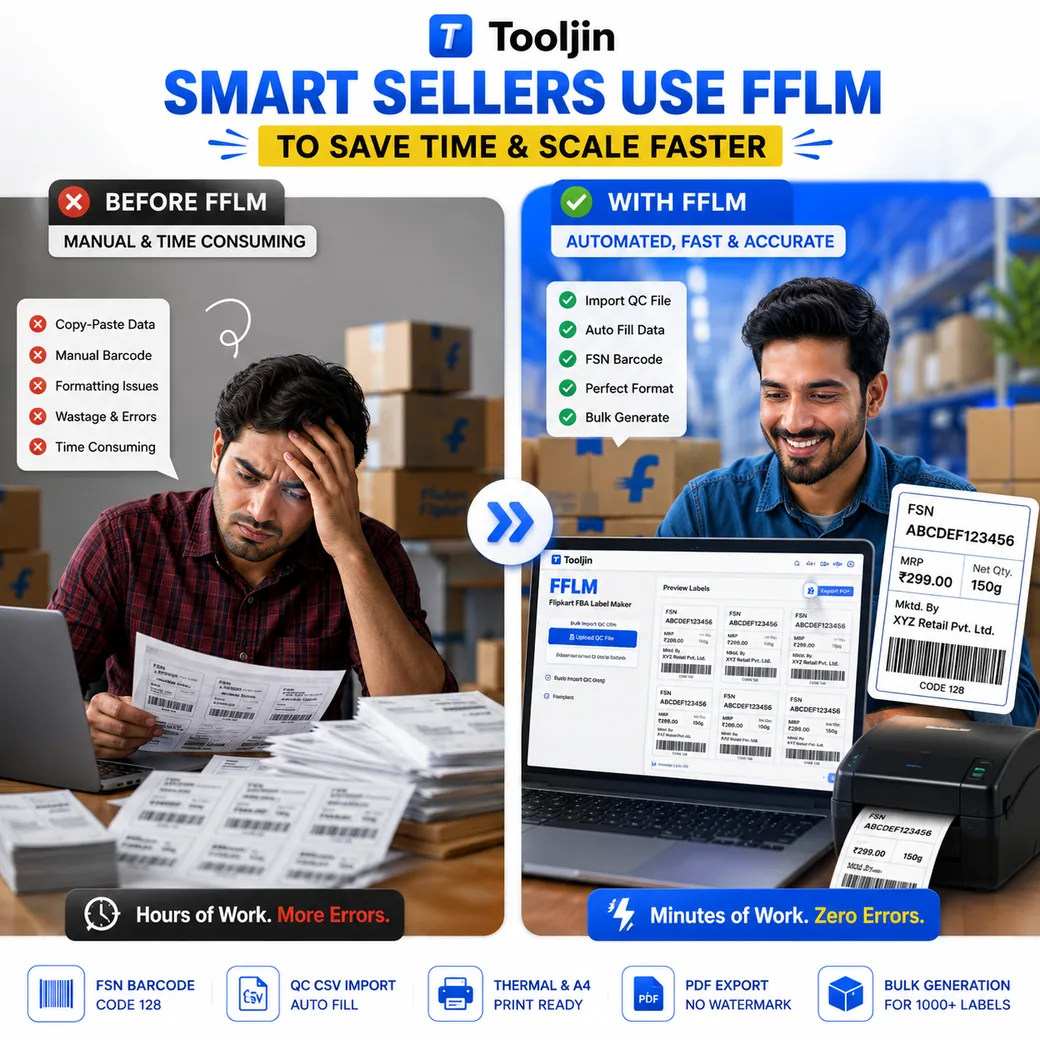
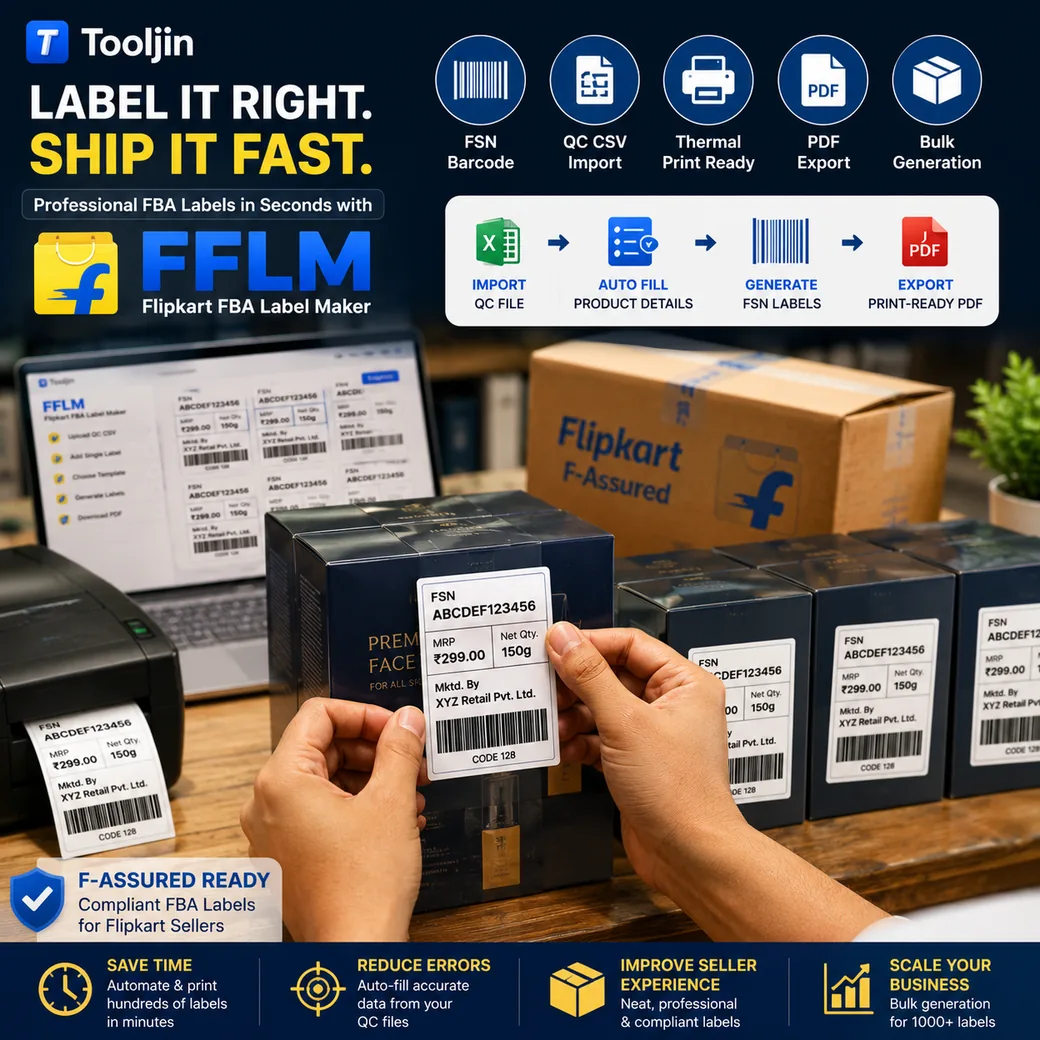
Before and after FFLM — manual copy-paste, barcode and formatting work versus automated QC import, FSN barcode and bulk label generation in minutes FFLM workflow — import the Flipkart QC file, auto-fill product details, generate FSN labels and export a print-ready PDF for F-Assured fulfilment

Selling on Amazon or Meesho too?

The same tool is marketplace-agnostic. It reads SKU, ASIN and FNSKU keys, so you can print Amazon FNSKU labels and Meesho supplier labels exactly the same way — one label maker for every channel you sell on.

Open the label maker
ONE TOOL, EVERY MARKETPLACE

From QC file to print-ready label — barcodes and declarations that fulfilment centres accept.

FSN barcodeFNSKUASINNet Quantity4×6 thermal

Why choose FFLM

A free tool that behaves like a paid one.

FeatureFFLMTypical label makers
PriceFree · Pro for unlimitedPaid tiers / per-label cost
WatermarkNeverOften on free plan
FSN CODE 128 barcodeOn every labelManual / add-on
Auto-fill from Flipkart QCZIP & CSVRarely
Thermal 4×6 / 4×4 / 4×3Built inLimited
Your product dataStays in your browserOften uploaded

Frequently asked questions

Is the Flipkart FBA Label Maker free?

Yes. You can design labels, add the FSN barcode and preview every page for free, with no watermark. Free accounts can export up to 10 times a day; sign in to export, or upgrade to Pro for unlimited exports, all four templates, every thermal size and bulk QC import.

What is an FSN and how is the barcode generated?

An FSN (Flipkart Serial Number) is the unique ID Flipkart assigns to each listing. The tool turns that FSN into a scannable CODE 128 barcode on every label — the format Flipkart fulfilment centres scan at intake.

Can it auto-fill labels from my Flipkart QC files?

Yes. In Bulk Import mode you upload your Flipkart QC ZIP or CSV and each listing becomes its own label, with FSN, MRP, net quantity, dimensions, manufacturer and customer-care details filled in automatically. Duplicate listings are merged and you set how many copies of each to print.

Which fields does it include for compliance?

Every Legal Metrology field a packaged product needs: Net Quantity, Pack Of, dimensions, generic name, month & year of manufacturing, max shelf life, Manufactured by / Marketed by, customer care, plus the FSN and ASIN. You can add custom fields and hide any you don't need.

Can I print on a thermal label printer?

Yes. Pick a 4×6, 4×4 or 4×3 inch thermal slip and print one label per slip, or lay 6, 9 or 12 labels out on a normal A4 sheet and cut them. The PDF is sized exactly to the format you choose.

Will these labels pass Flipkart QC?

The tool produces clean, high-resolution labels with a scannable CODE 128 FSN barcode and all the declaration fields Flipkart looks for, which removes the most common reasons labels get rejected. You stay responsible for entering correct values, but the format and barcode follow what fulfilment centres expect.

Does my product data get uploaded anywhere?

No. Labels are generated entirely in your browser — your QC files, FSNs and prices never leave your device. Saved labels are stored only in your own account history when you're signed in.

Does it work for Amazon FNSKU labels too?

Yes. The same tool reads SKU, ASIN and FNSKU keys, so Amazon FBA sellers can generate FNSKU labels the same way. It's marketplace-agnostic and works for Flipkart, Amazon, Meesho and other Indian marketplaces.

More free seller tools

Everything you need to label, list and sell — in one place.

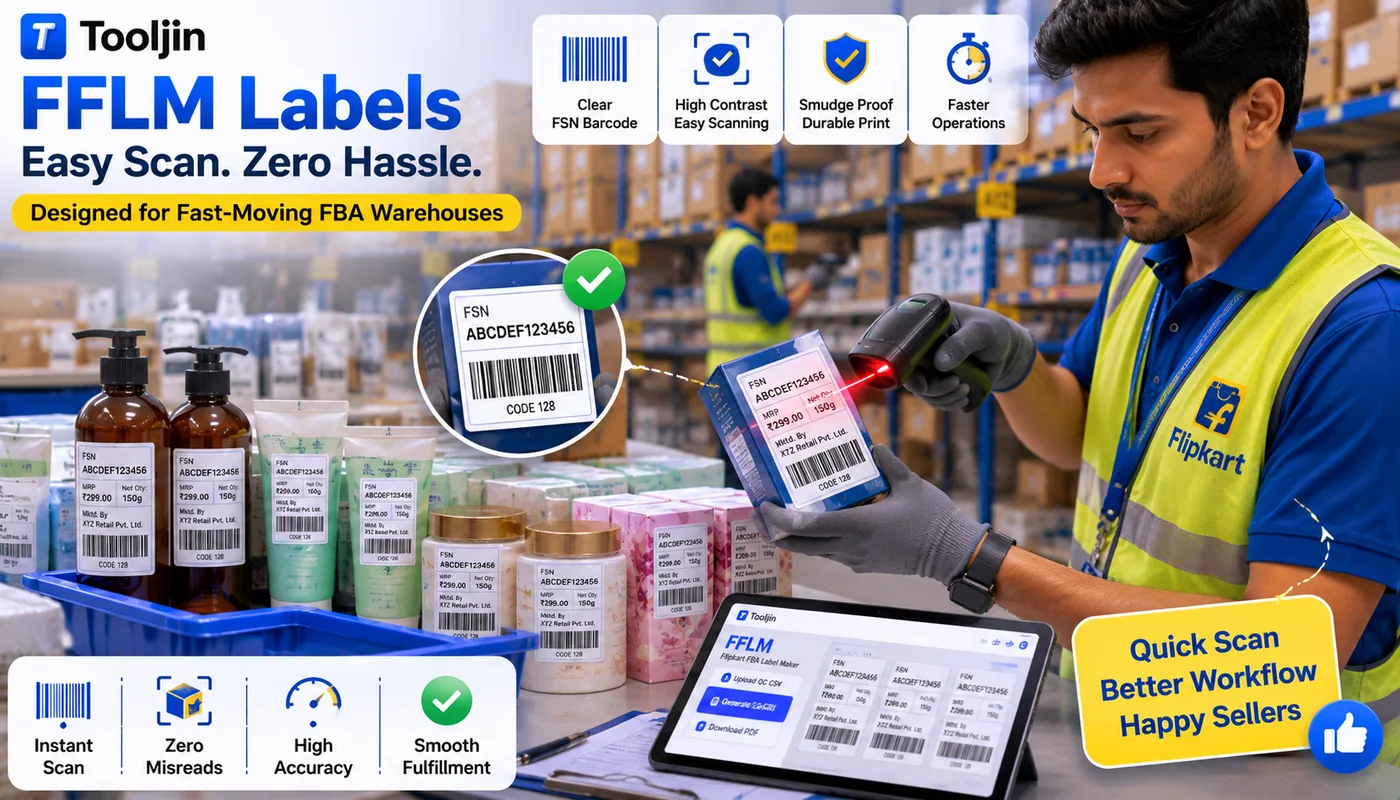
Designed for fast-moving FBA warehouses

Clear, high-contrast FSN barcodes that scan first time — fewer misreads, faster intake.

Warehouse staff scanning an FFLM Flipkart FBA label with a barcode scanner — clear FSN CODE 128 barcode and smudge-proof, high-contrast print for fast, accurate fulfilment

Print your Flipkart FBA labels now

Free, private and print-ready — FSN barcode included, no watermark.

Open Flipkart FBA Label Maker
Opens in PLM — the all-in-one Product Label Maker by Tooljin, ready for Flipkart FBA & every marketplace.
Generated entirely in your browser — your QC files and FSNs are never uploaded.